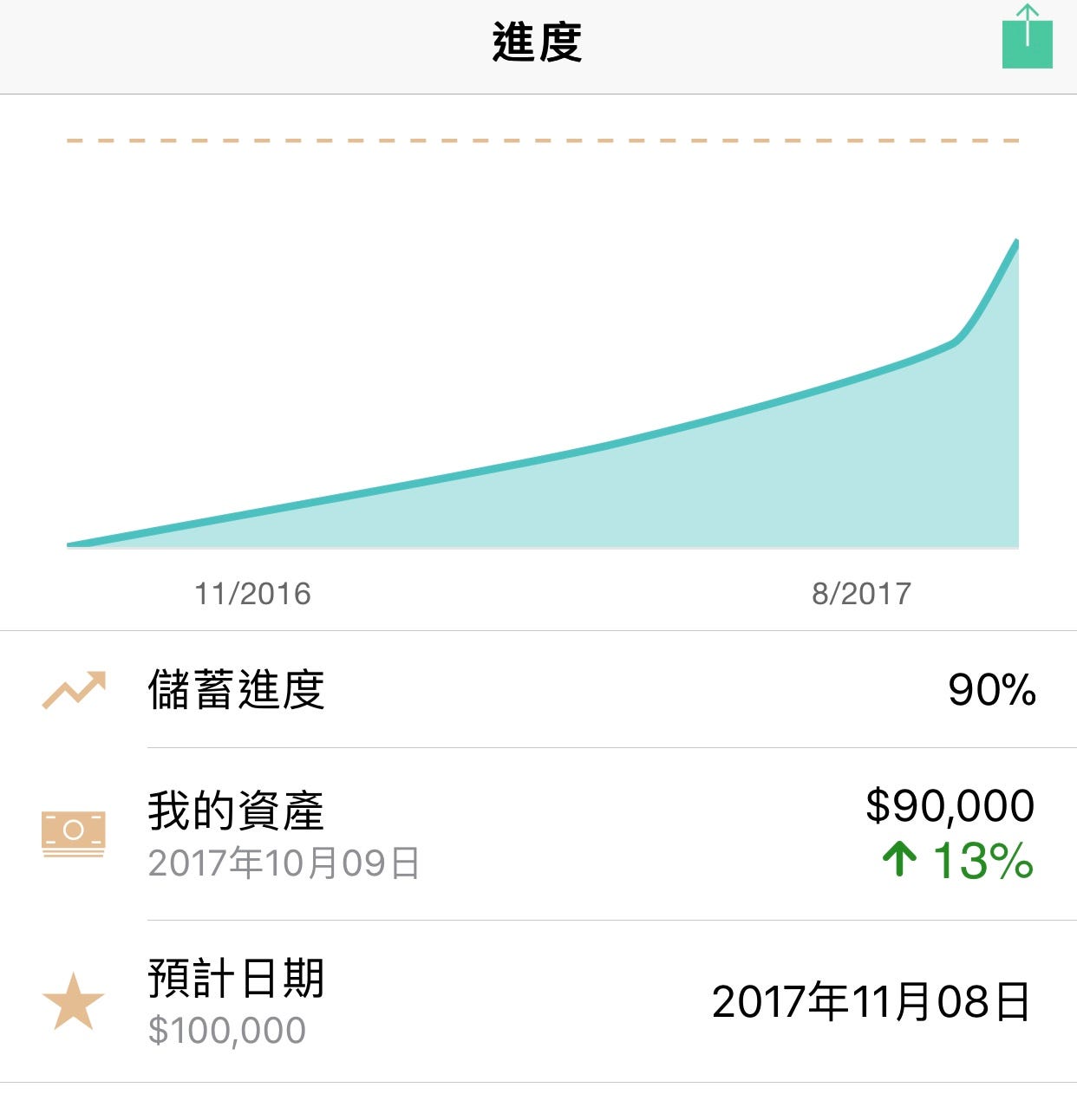
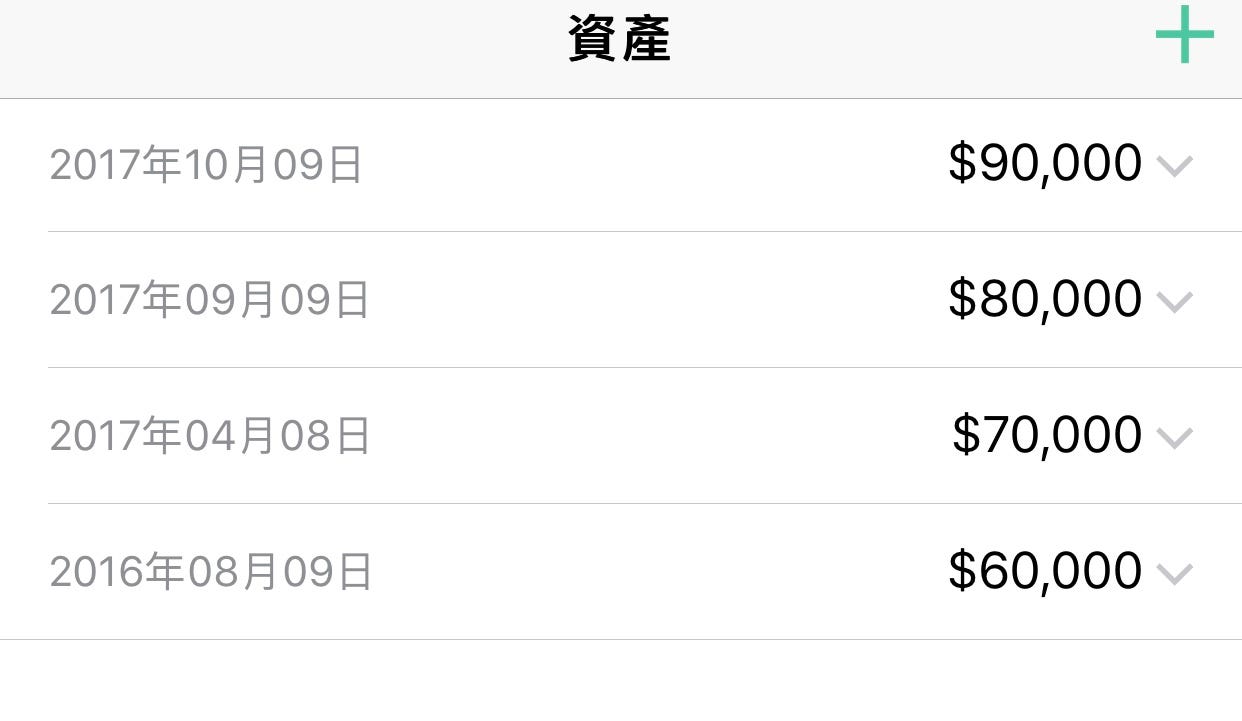
I am writing down my journey of building a personal saving app with Ionic. This is what it looks like today.
Why building one myself?
All the way back to April 2017, I was inputing my assets and liabilities (a.k.a. balance) into excel. I had been doing it once a month for 2 years to keep track of my monthly saving. But…
Why am I using excel instead of an app in mobile? It would be more convenient.
Then I started looking for an app that helps me to track my money. I had downloaded many apps from App Store, but all of them were asking me to input my every incomes and expenses (a.k.a. cash flow). I persisted for one month. It was time-consuming and tedious.
I used to input my balance once a month. From those numbers, I can easily calculate my monthly saving, saving progress and when will I reach my goal. Inputing all my cash flows is not what I wanted, so I decided to put up a little challenge and build one by myself.
It starts on 30 May, 2017.
Technology
First, I need to pick a technology. Below are my requirements:
- I am from product background with some knowledge in JavaScript and Python.
- Deploy to both iOS and Android.
- Quick and simple.
- No fancy animation needed.
As a amateur in development, Ionic and React Native seems to be efficient ways. They are both cross-platform tools with high reputation. React is better in terms of performance, but I eventually pick Ionic simply because I understand its docs more.
Mock-up
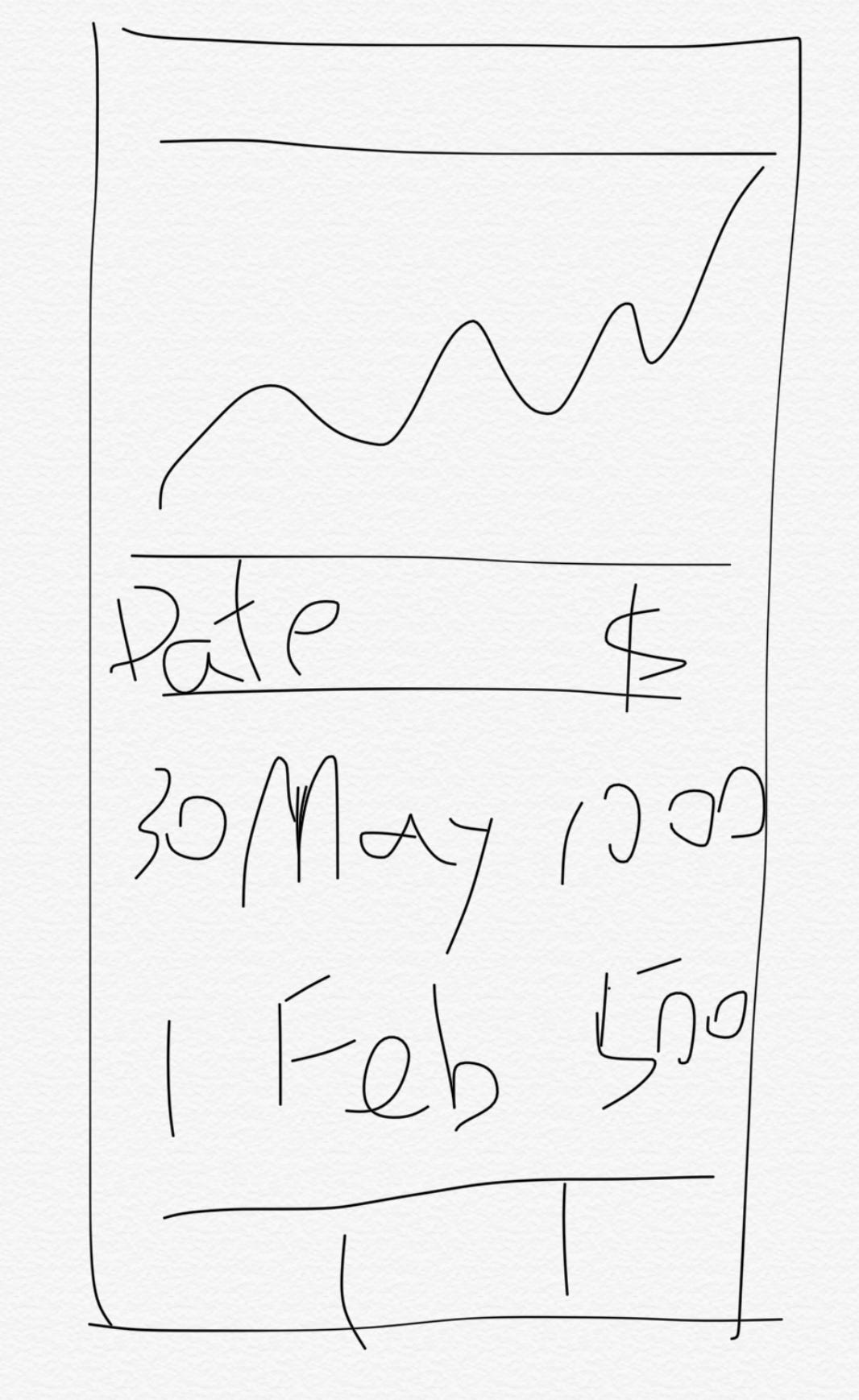
Yes, the mess above is the only mock-up I draw for the project. A navigation bar at the top, following by a line chart, and a list of balance, finally the tab navigation. It might be difficult for others to read, but it is good enough for me to visualize my idea.
To be continued…